
Neovim Setup Without the 6-Month Slog
A Neovim config you can read in one sitting. lazy.nvim, vim.lsp.config on Neovim 0.12, the defaults worth keeping, and the keymaps that quietly break LSP.
All the articles with the tag "productivity".
A Neovim config you can read in one sitting. lazy.nvim, vim.lsp.config on Neovim 0.12, the defaults worth keeping, and the keymaps that quietly break LSP.

What is an AI harness? A plain-language answer, plus 21 of them grouped by job: Claude Code, Codex CLI, Kilo Code, Goose, OpenHands and DeepSeek Harness.
Run several Claude Code accounts on one Linux machine. CLAUDE_CONFIG_DIR plus symlinks share your skills, hooks and history while each login stays isolated.

Free LLM tiers usually die from bloated prompts, not stingy quotas. Context discipline, caching, tiering, batching, and backoff that triple your runway.
SteamOS 3.x is Arch Linux under the hood. Here's how to turn your Steam Deck into a portable sysadmin console for SSH, Tailscale, IPMI, and more.
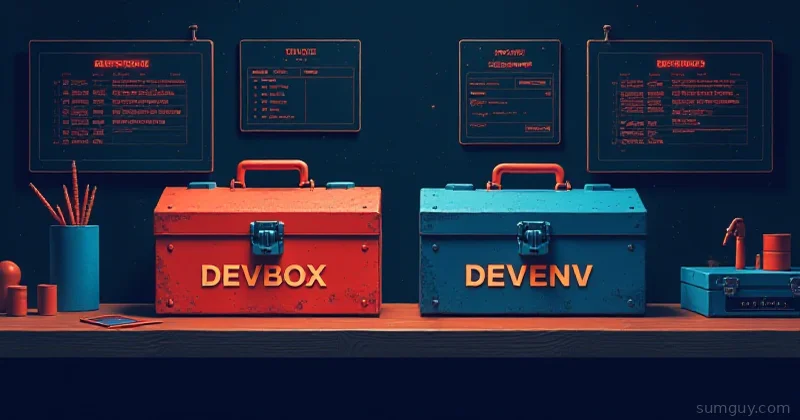
Devbox and devenv both tame Nix for reproducible dev environments without needing a PhD first. Here is which one will not send you reading a 40-page manual.
Topgrade runs every package manager and update tool on your machine in one single command. Stop juggling apt, brew, flatpak, pip, cargo, and gem separately.
Carapace-bin delivers tab completions for 1000+ CLI tools across every major shell, one install, one config line, zero per-tool completion script headaches.
procs adds color, Docker container awareness, and process tree views to replace ps. Here is exactly when switching is worth it in your daily Linux workflow.

btop, htop, and bottom compared on features, memory footprint, and personality, find out which terminal process monitor earns a spot in your daily toolkit.

Difftastic parses source code structure instead of raw text lines, giving diffs that reflect what actually changed logically, not just how it was reformatted.
gitui vs lazygit: a practical comparison of the two best terminal Git UIs available. Which one earns a permanent spot in your daily developer workflow in 2026?