
Your VM Disk Only Ever Grows
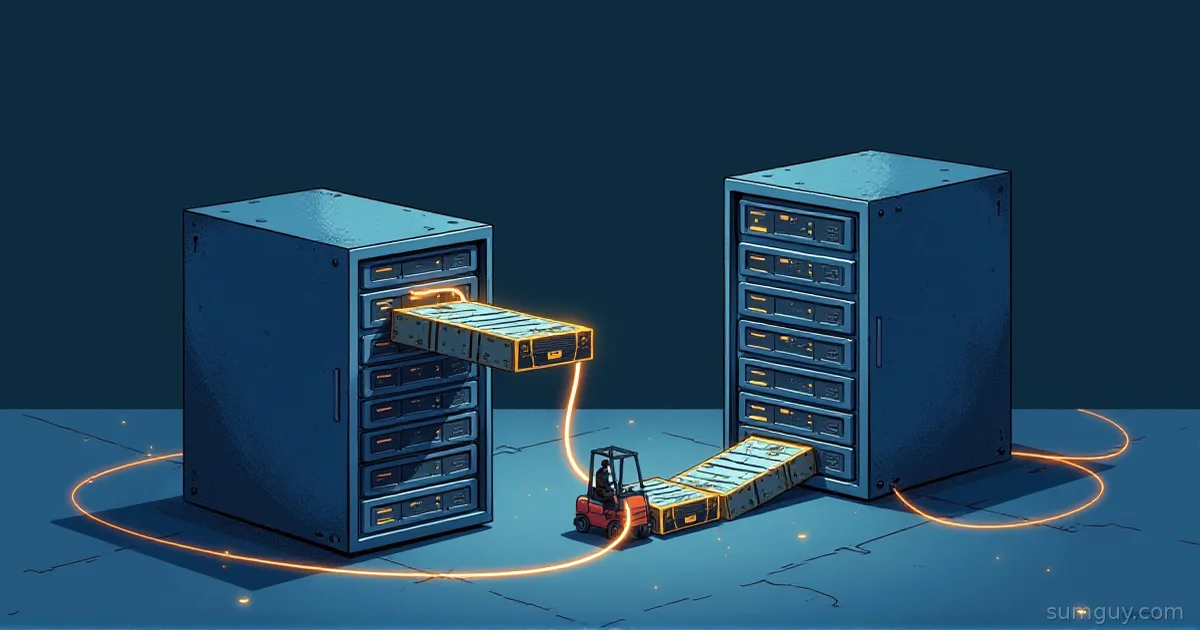
You delete 200 GB of old backups inside a VM. The guest says the space is free. The host says the disk image is still 200 GB fatter than it should be. Nothing is broken. The storage underneath never got told about the delete.
The short version: enable fstrim.timer, leave ext4 and XFS mounted without discard, and know that Btrfs on kernel 6.2 or newer already does async discard by default. Then check every layer of the stack, because one layer that drops TRIM requests quietly cancels the whole setup.
Full example: Clone the working files at github.com/KingPin/sumguy-examples/linux/fstrim-and-discard
What TRIM Actually Tells the Drive
When you delete a file, the filesystem marks its blocks as free in its own bookkeeping. It does not tell the device. The SSD, the thin-provisioned LV, or the qcow2 image still believes those blocks hold live data.
A discard (TRIM) request is the filesystem saying “these blocks are free, you can forget them.” On a physical SSD the controller learns the blocks are free. On a thin-provisioned backing store (qcow2, LVM thin, a ZFS zvol) the space actually goes back to the host. Write wear is a separate topic, covered in Is Your Linux Server Destroying Its SSD?.
Two ways to send those requests exist. Periodic: run fstrim on a schedule. Continuous: mount with the discard option so every delete sends one immediately.
The Measured Demo
We wanted numbers, so we built a kit. The script makes a 2 GiB sparse image, attaches it as a loop device, formats it ext4 with -E nodiscard, and mounts it. A sparse file shrinks when the filesystem on it issues discards. That is the same mechanism a thin-provisioned VM disk uses. A physical SSD does not shrink visibly.
Run it from the kit directory:
docker run --rm --privileged -v "$PWD":/work debian:trixie /work/demo.sh--privileged is there because the script needs a loop device, and an unprivileged container cannot create one. The script cleans up after itself.
This is our run: 2 GiB sparse image, loop device, ext4, kernel 6.8, 2026-11-12. Part 1 mounts without discard and runs fstrim by hand:
--- Part 1: periodic TRIM (mount without discard, run fstrim) ---after mkfs: 66M on diskafter 1 GiB: 1.1G on diskafter rm: 1.1G on disk/mnt/t: 1.9 GiB (2039824384 bytes) trimmedafter fstrim: 66M on disk/mnt/t: 0 B (0 bytes) trimmedafter remount:/mnt/t: 1.9 GiB (2039824384 bytes) trimmedPart 2 mounts with -o discard:
--- Part 2: continuous discard (mount -o discard) ---after 1 GiB: 1.1G on diskafter rm: 66M on diskThree things to read from that output.
- Deleting the file freed it in the filesystem, but the image stayed at 1.1G until
fstrimran. fstrimreported 1.9 GiB trimmed, not the 1 GiB we wrote. It reports all the free space it discarded, so the number is not “how much garbage there was.”- The second
fstrimon the same mount reported 0 B. After unmount and mount, it trimmed 1.9 GiB again.
Periodic TRIM: fstrim and fstrim.timer
Check whether the timer exists and runs on your box. Do not assume. Distros differ, so ask systemd:
systemctl status fstrim.timerEnable it:
sudo systemctl enable --now fstrim.timerThe unit shipped by util-linux uses these settings:
[Timer]OnCalendar=weeklyAccuracySec=1hPersistent=trueRandomizedDelaySec=100minPersistent=true means a run missed while the machine was off fires at the next boot. The service runs fstrim --listed-in /etc/fstab:/proc/self/mountinfo --verbose --quiet-unsupported. The unit also has ConditionVirtualization=!container, so it does nothing inside a container. Trim from the host or the VM instead.
See when it fires next, and what it did last time:
systemctl list-timers fstrim.timerjournalctl -u fstrim.serviceYou can also run it by hand. -v prints the amount trimmed, and -n does everything except the actual discard:
sudo fstrim -v /sudo fstrim --dry-run --all-a trims every mounted filesystem on devices that support discard. -A trims the ones listed in /etc/fstab. With --all, exit code 0 means everything succeeded, 32 means everything failed, and 64 means some succeeded.
Why the number looks weird
Back to the demo. A first run that reports gigabytes you never deleted is normal, because fstrim counts all free space it discarded. A second run that reports 0 B is also normal: ext4 remembers which block groups it already trimmed during this mount. After a reboot it trims all free space again. So a big number after every boot is not a sign of a problem.
Continuous TRIM: the discard Mount Option
In the demo, -o discard dropped the image to 66M right after rm and sync. No fstrim needed. So why not use it everywhere? Because it costs something on every delete, and the filesystem docs are cautious about it.
An fstab line for it looks like this:
UUID=<your-uuid> /data ext4 defaults,discard 0 2What the man pages say per filesystem:
- ext4:
discardis off by default “until sufficient testing has been done.” - XFS:
nodiscardis the default. The man page recommendsfstrimover the mount option “because the performance impact of this option is quite severe.” - Btrfs:
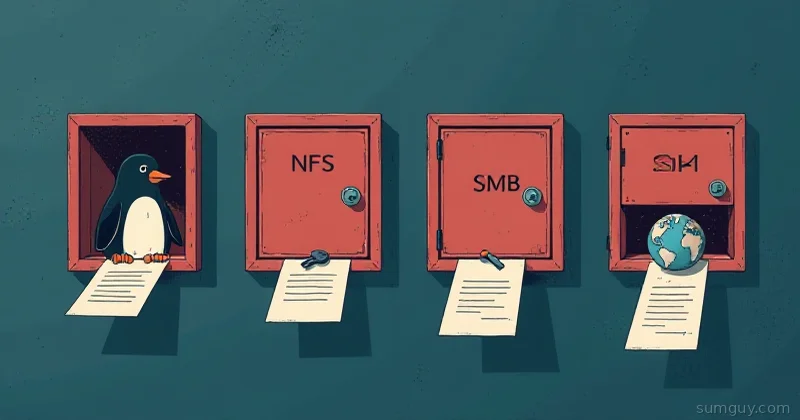
discard=asyncis the default when devices support it, since kernel 6.2 (async support arrived in 5.6). Synchronous mode without queued TRIM support “can severely degrade performance.”
So on a modern kernel, Btrfs already does the right thing. Adding a weekly fstrim.timer on top is harmless.
When is continuous discard worth it? When a thin-provisioned backing store needs the space back right now, such as a VM disk on a host that is nearly full. That is a real use. As a default on ext4 or XFS it is not.
Does Your Drive Even Accept TRIM?
Ask the kernel:
lsblk --discardNAME DISC-ALN DISC-GRAN DISC-MAX DISC-ZEROsda 0 4K 4G 0nvme0n1 0 512B 2T 0Non-zero DISC-GRAN and DISC-MAX mean the device accepts discard. Zeros mean it does not, at that layer. The rows above are from a real SATA SSD and a real NVMe drive.
Check each layer: the partition, dm-crypt, LVM, and the filesystem on top. One layer without discard support stops it for everything above.
The Layers That Eat TRIM
This is where most “TRIM isn’t working” tickets end. The filesystem and the drive are fine, and something in between drops the request.
LUKS
Discards are not passed through dm-crypt unless you enable them. One-off, at open time:
sudo cryptsetup open --allow-discards /dev/sdX cryptdataFor LUKS2, store the setting in the header so it survives reboots and needs no crypttab edit:
sudo cryptsetup refresh --allow-discards --persistent cryptdataHere cryptdata is the name of the mapped device. To remove the flag later, run the same command with --persistent and without --allow-discards.
The other route is the discard option in /etc/crypttab:
cryptdata UUID=<your-uuid> none luks,discardConfirm it took effect. The crypt line in the device-mapper table should contain allow_discards:
sudo dmsetup table cryptdataThe trade-off is real, so here it is plainly. The cryptsetup man page warns that discards can make filesystem-level operations visible on the physical device. Information such as filesystem type and used space may be extractable from the device if the discarded blocks can be located later. Most home labs accept that. If you need plausible deniability for the disk contents, you do not. Also, discard is not supported for LUKS2 with data integrity protection.
LVM: the issue_discards misconception
Many people set issue_discards = 1 hoping it turns on TRIM. It does not. That setting only controls whether LVM discards space on a PV when an LV frees it, as in lvremove or lvreduce:
devices { issue_discards = 0 # default}Filesystem discards pass through a normal LV regardless of that setting. Be careful turning it on: vgcfgrestore restores only metadata, so data in discarded regions is gone.
Virtual machines
A guest’s fstrim only reaches the host if the virtual disk exposes discard. In QEMU/libvirt, set discard='unmap' on the disk driver element:
<driver name='qemu' type='qcow2' discard='unmap'/>In Proxmox, tick the “Discard” checkbox on the VM disk. Without it, lsblk --discard inside the guest shows zeros, and the guest’s fstrim fails with “the discard operation is not supported” (the timer hides that error with --quiet-unsupported), so nothing reaches the host.
Swap, briefly
swapon takes --discard[=once|pages], and fstab accepts discard, discard=once, and discard=pages. The man page says this “may improve performance on some Solid State Devices, but often it does not.” Treat it as optional.
ZFS
ZFS handles TRIM itself, with the pool property autotrim (default off) and a manual zpool trim <pool>. The rest lives in ZFS Tuning for SSDs and NVMe.
The SumGuy Take
- Run
systemctl status fstrim.timer. Enable it if it is not active. - Leave ext4 and XFS mounted without
discard. - Leave Btrfs on 6.2+ alone. It is already async.
- Use
lsblk --discardon every layer, host and guest. - Turn on
--allow-discardsfor LUKS only if you accept the leak described above. - Use continuous
discardonly when a thin backing store needs space back now.
Your 2 AM self will thank you when the host disk is not mysteriously full.
Common Questions
Is it safe to run fstrim on a mounted filesystem?
Yes. The fstrim tool works on a mounted filesystem, and a mount point is what you pass to it. It discards only free blocks, so your files are untouched. The -n (--dry-run) flag runs everything except the actual discard if you want to rehearse first.
How often should fstrim run?
Weekly is enough for most machines, and weekly is the fstrim.timer default shipped by util-linux, with up to 100 minutes of random delay and catch-up after downtime. Repeat runs are cheap on ext4: an unchanged mount reported 0 B on the second pass in our demo, because already-trimmed block groups get skipped.
Does fstrim work inside a Docker container?
Only in a privileged container that can see the block device, which is how our demo ran fstrim against a loop device. For the host’s real disks, run fstrim on the host. The stock fstrim.timer has ConditionVirtualization=!container, so a systemd instance inside a container skips it.
Does enabling LUKS discard leak data?
Yes, a little metadata. The cryptsetup man page says discards can reveal filesystem type and used space on the physical device if discarded blocks can be located later. File contents stay encrypted. LUKS discard is fine for a home lab and wrong for anyone who needs plausible deniability.